
Enquiries disappear between tools
04 / AUTOMATION
Business automation that connects your existing tools
Connect forms, CRM, messaging and routine operations. We build a defined workflow around your team, with clear ownership, error handling and a way to recover when an external service is unavailable.
Discuss your project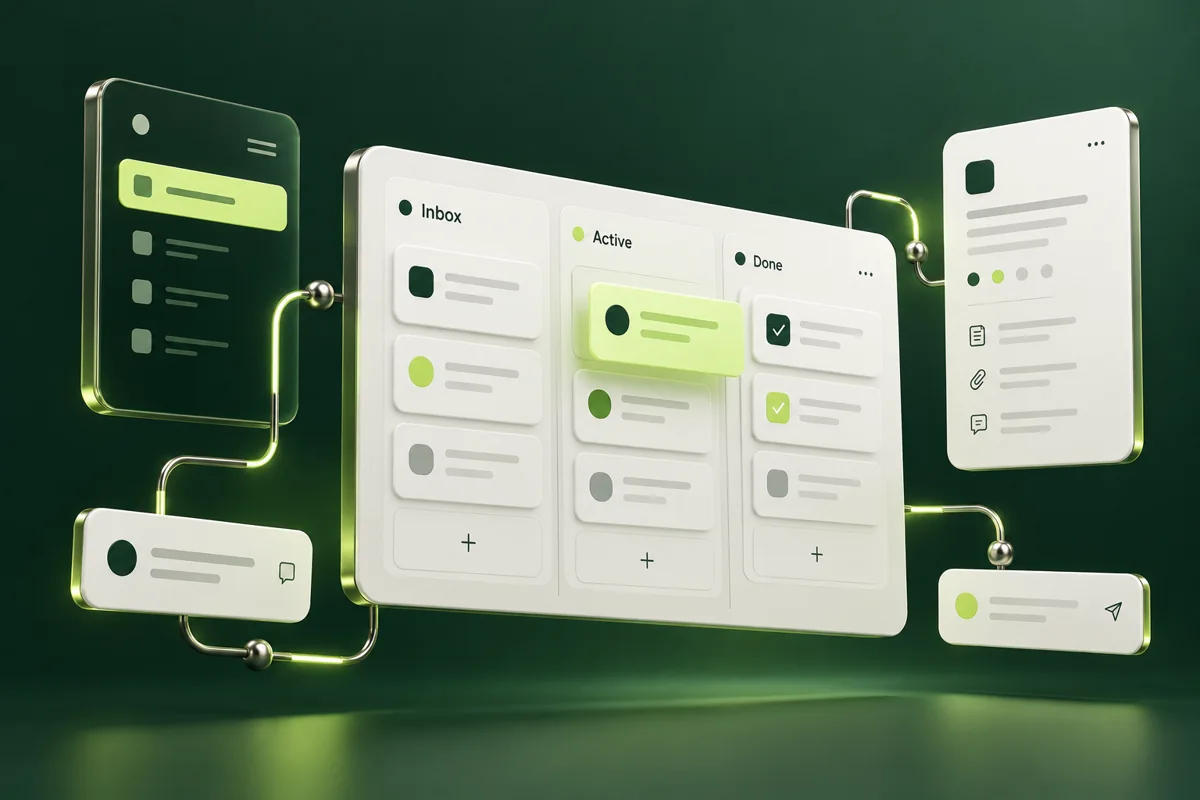
SOUND FAMILIAR?Start with
Start with
your actual challenge.
For teams copying data between tools, losing context between channels or repeating the same administrative tasks.
People copy the same data repeatedly
Automatic data handoffs
The next owner or action is unclear
Assignments, alerts and checks
WHAT WE DELIVERFrom a direction
From a direction
to a working solution.
We start with a single useful process: an enquiry reaches the CRM, is assigned to a person and receives a next action. We then test retries, invalid records and external service limits. Existing tools are reused when they fit. n8n, Make or direct APIs are selected according to the workflow rather than used by default.
- 01
A map of the current workflow and its handoffs.
- 02
Forms, webhooks and CRM integrations.
- 03
Notifications, assignments and follow-up reminders.
- 04
AI assistance where a bounded use case supports it.
- 05
Duplicate handling, failure checks and handover.
SCOPE & INVESTMENTClarity first.
Clarity first.
Then we build.
The number of systems, API access, data quality and exception paths determine the scope. Usage charges, automation subscriptions and maintenance are stated separately.
The proposal defines each milestone, dependencies on your input and how work will be accepted. You can see what is included before committing.
Get a project proposalSTUDIO DEMO
Pipeline CRM
Deal stages, ownership and follow-up actions in one shared sales workspace.
Explore the project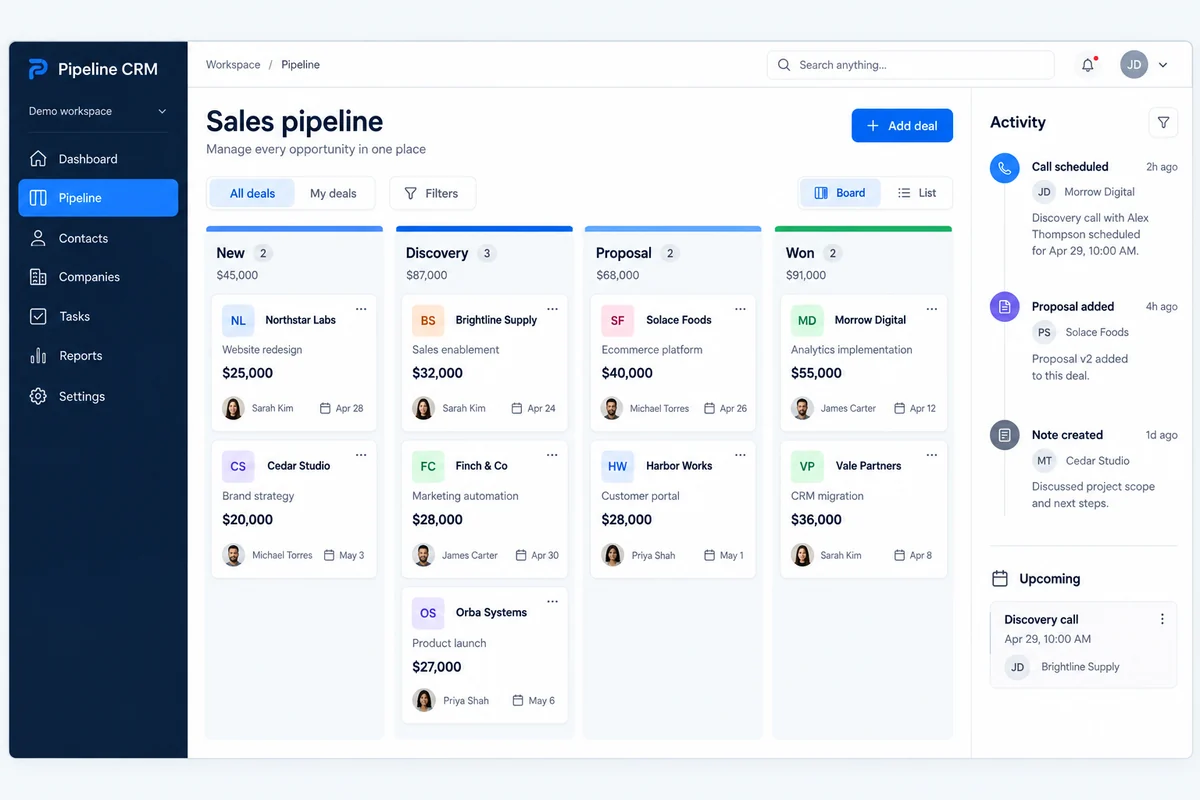
FROM FIRST CONVERSATION TO LAUNCHEvery stage.
Every stage.
A tangible result.
Agree the scope before starting, review work in progress and understand what comes next.
- 01
Understand the business
Clarify your audience, offer and customer journey. Agree scope, milestones and budget.
You receiveScope, milestones and estimate - 02
Design the solution
Bring structure, copy and design around the primary task. Review the direction before full development.
You receiveApproved structure and design - 03
Build and verify
Check forms, responsive layouts, integrations and search signals against agreed acceptance criteria.
You receiveA working version to review - 04
Launch and hand over
Connect the domain, hand over source and access, and explain day-to-day management. Plan the next improvements together.
You receiveWebsite, access and documentation
A LITTLE MORE CLARITYBefore we
Before we
get started.
Must we replace our current tools?
Usually the first step is to assess the tools you already use. An API or existing connector may be enough.
What happens if an integration fails?
We agree how failed events are logged, retried and escalated. Critical workflows need a visible recovery path and an accountable owner.
HAVE SOMETHING IN MIND?Your next chapter.
Your next chapter.
Built together.
A website, CRM or chatbot — let’s find the right solution. Our first conversation clarifies the possible scope, stages and budget.
- No lengthy questionnaire
- A direct conversation about your business
- A clear proposal before work begins
Ukraine · Working remotely worldwide
START WITH A CONVERSATION
What would you like to build?
Leave a contact. We’ll work out the details together.
Thank you. Your enquiry is saved.
We’ll use your contact to clarify the project and agree the next step.
Continue in TelegramPrefer a conversation?Message on Telegram